01 Global presence and lead generation
Multilingual sites, products and content, SEO, visitor analytics and inquiries.
From overseas lead generation and customer relationships to sales, delivery and after-sales service.
Websites and content / SEO and visitor analytics / CRM and sales
Inventory and production / Delivery and after-sales / WhatsApp customer communication
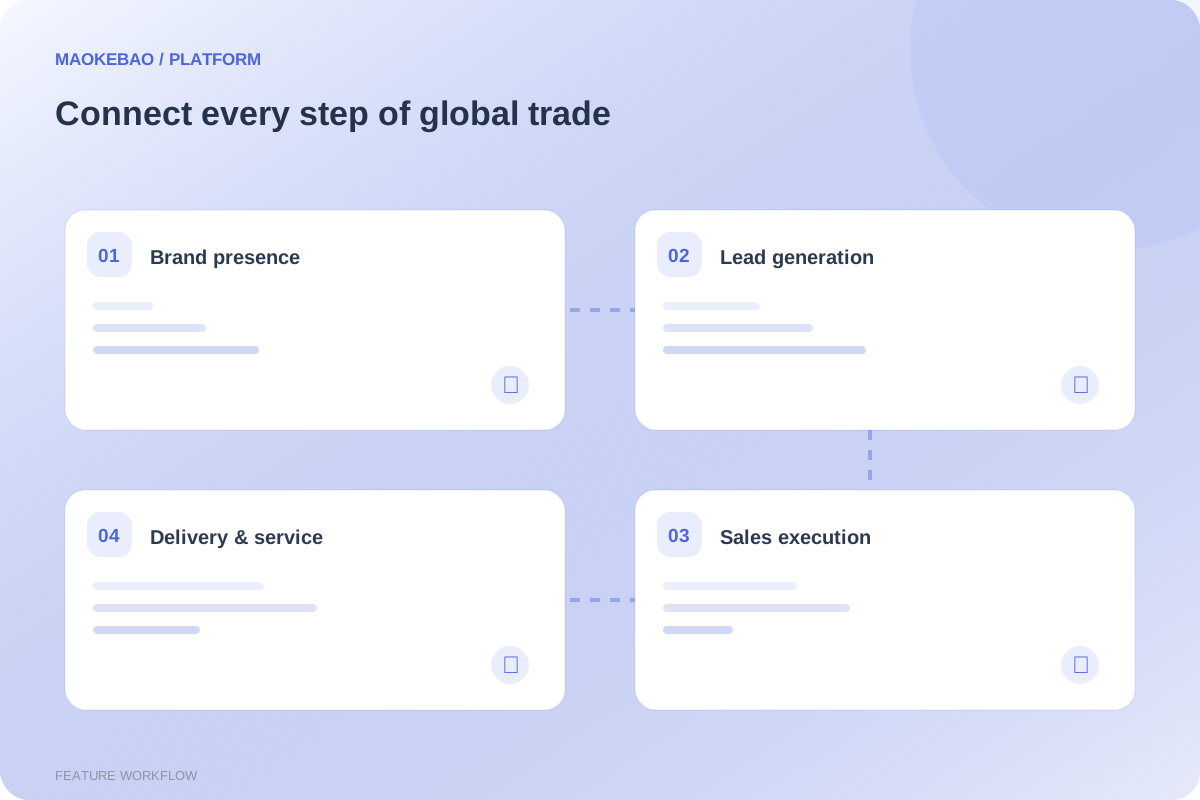
For businesses managing global websites, customer relationships, order execution and after-sales service.
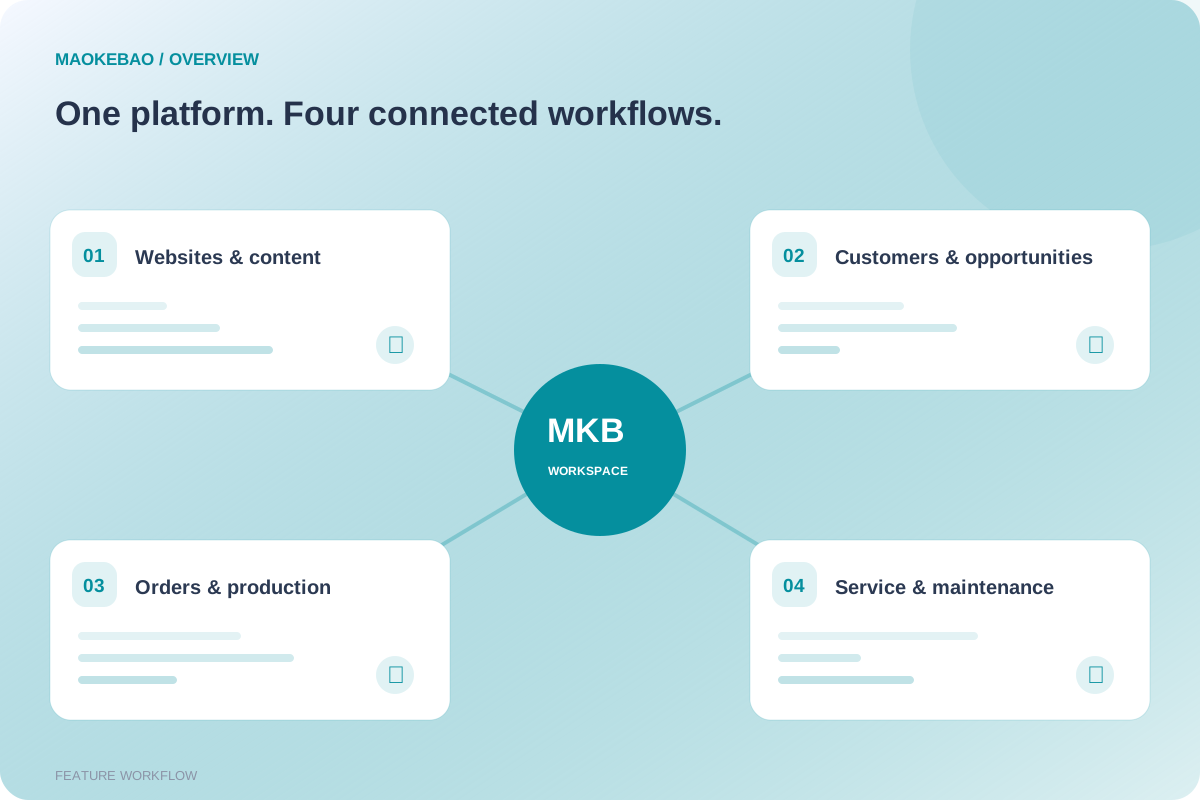
Multilingual sites, products and content, SEO, visitor analytics and inquiries.
Customer profiles, contacts, opportunities, follow-up tasks and business reminders.
Quotations, samples, contracts, sales orders, payment records and commissions.
Stock records, purchasing, bills of materials, production and quality inspection.
Shipments, equipment serial records, installation, acceptance, repair and maintenance.
Departments, job roles, administrator roles, WhatsApp, media and configuration.
Workspace: Visitor statistics, data maps and keyword statistics.
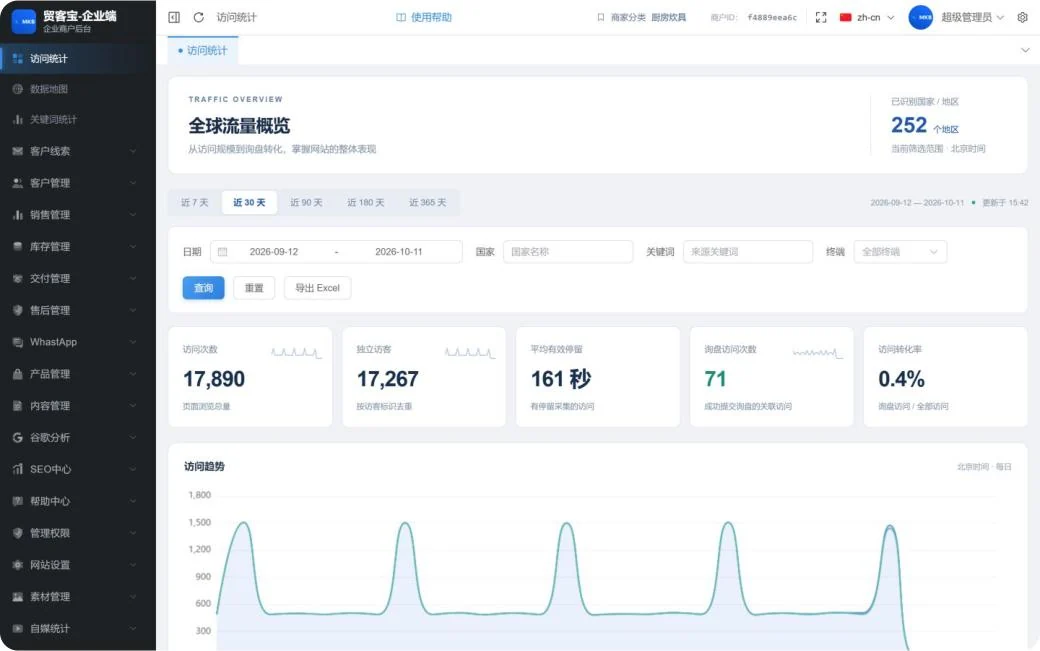
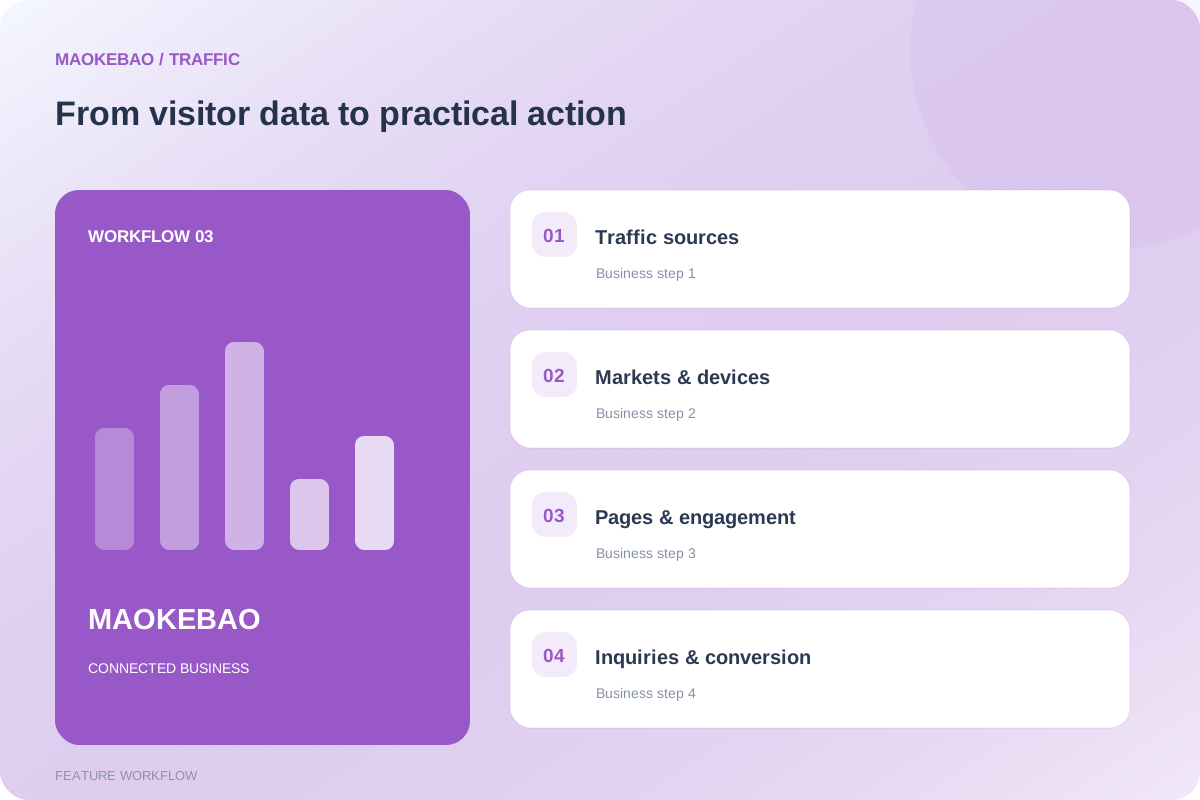
Review visits, unique visitors, meaningful engagement, inquiry visits and conversion rates in one place.
Filter by date, country, keyword and device. Use trends, country statistics and page rankings to identify areas of interest.
View sources, entry pages, visited pages, devices and related inquiries. Export records to Excel.
Attribution depends on links, UTM parameters or advertising identifiers. Search terms that were not passed cannot be reconstructed. IP-based locations are approximate.
Workspace: Customer leads and customer management.
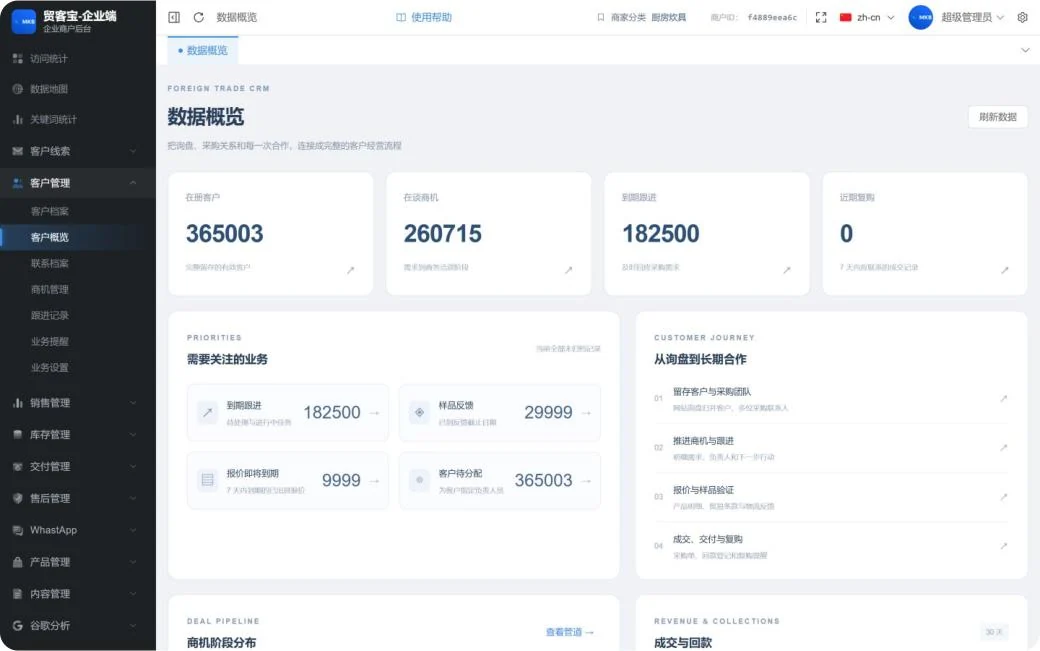
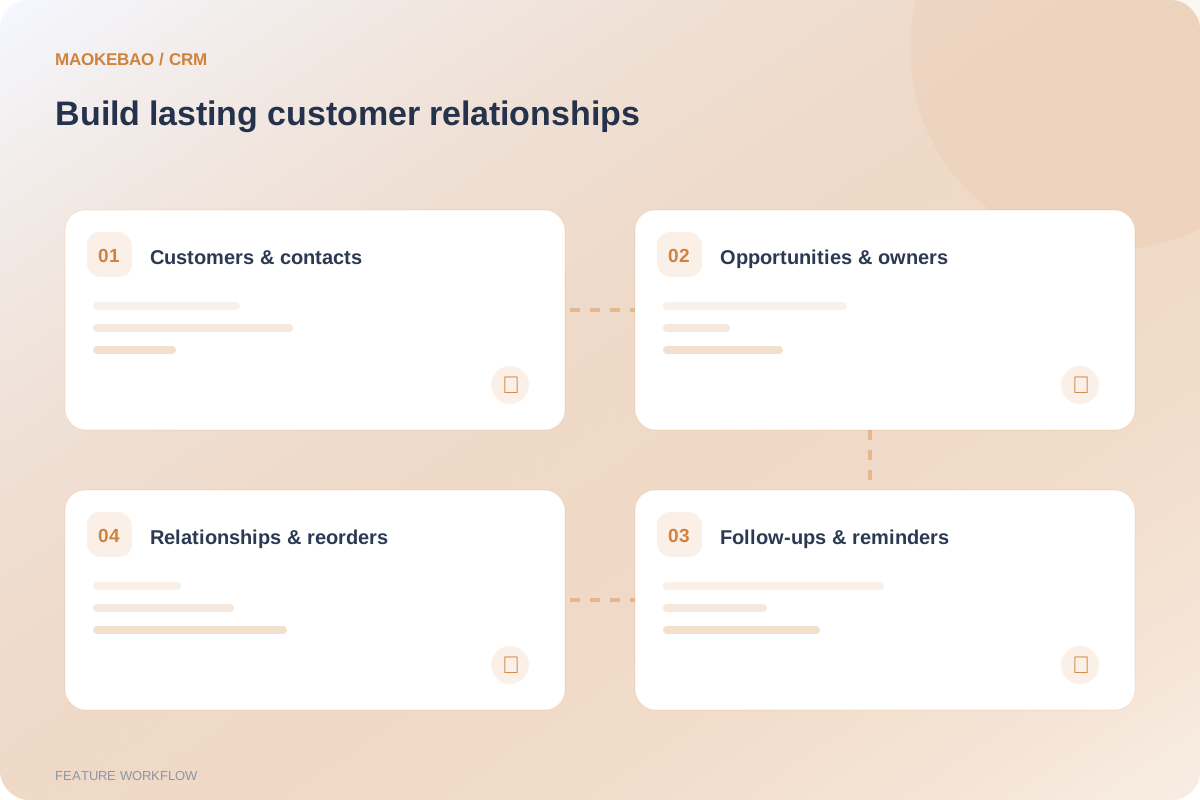
Customer profiles, contact records and inquiry consolidation help organize companies and purchasing teams.
Move sales forward through opportunities, follow-up records, business reminders and assigned owners.
The customer overview brings together unassigned customers, due follow-ups, sample feedback, expiring quotations and opportunity stages.
The screenshot includes QA test records. Customer counts and amounts do not represent commercial customer scale.
Workspace: Sales management.
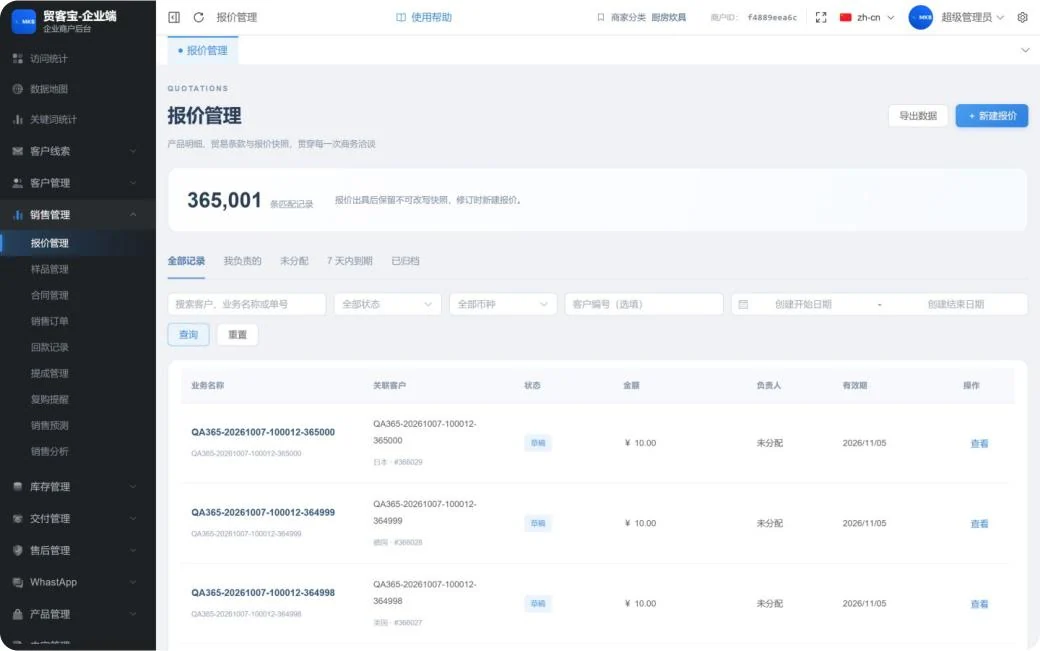
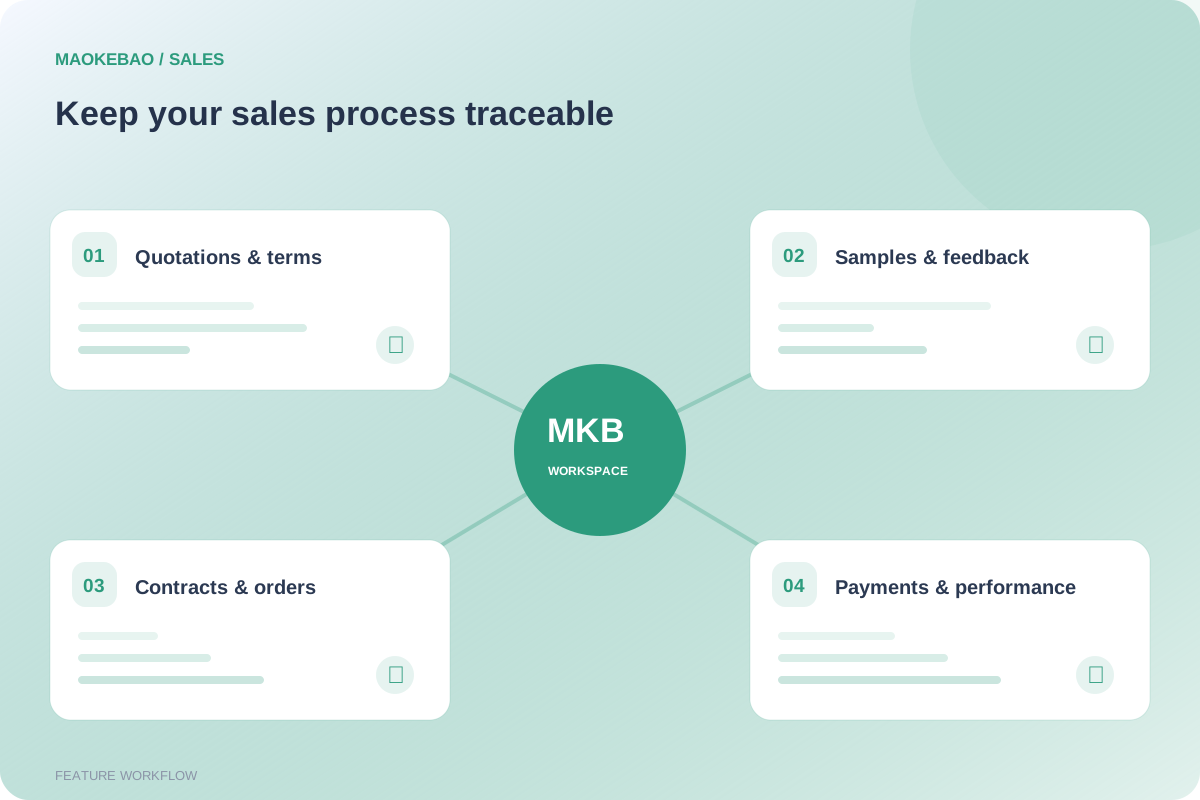
Manage product details, trade terms, validity and ownership. Issued quotations retain a snapshot; revisions are created as new quotations.
Register contracts, sales orders and payments, linked to the customer, to support the sales process.
Use commissions, repeat-purchase reminders, forecasting and sales analysis to follow business progress. Amounts are recorded in their original currencies.
Payment records are business registrations, not automatic payment collection. Automatic currency conversion and financial accounting have not been verified.
Workspace: Inventory management.
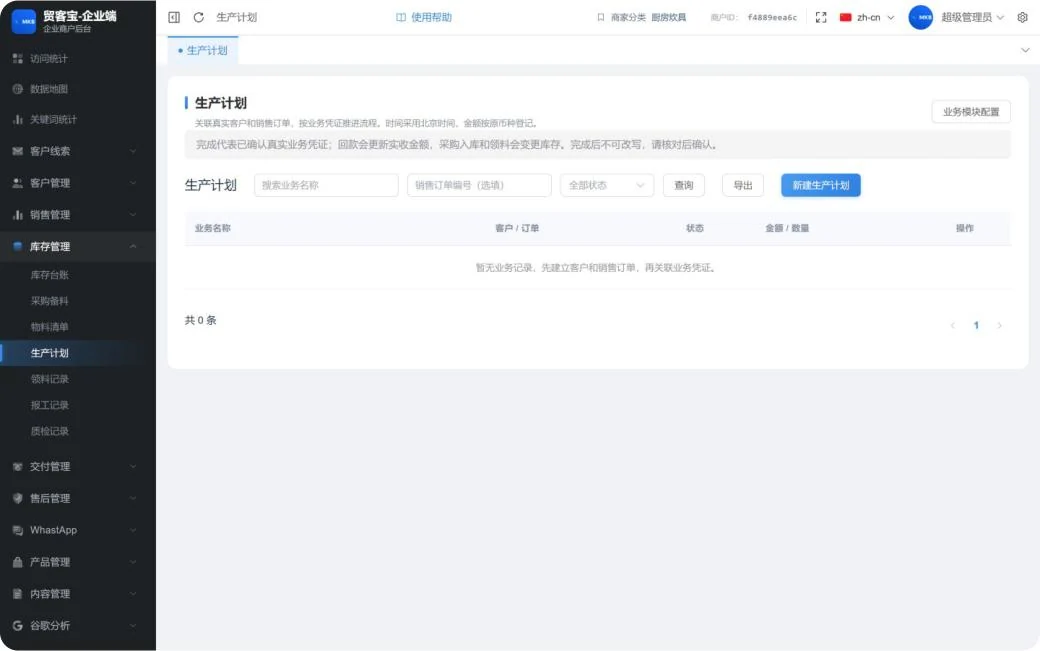
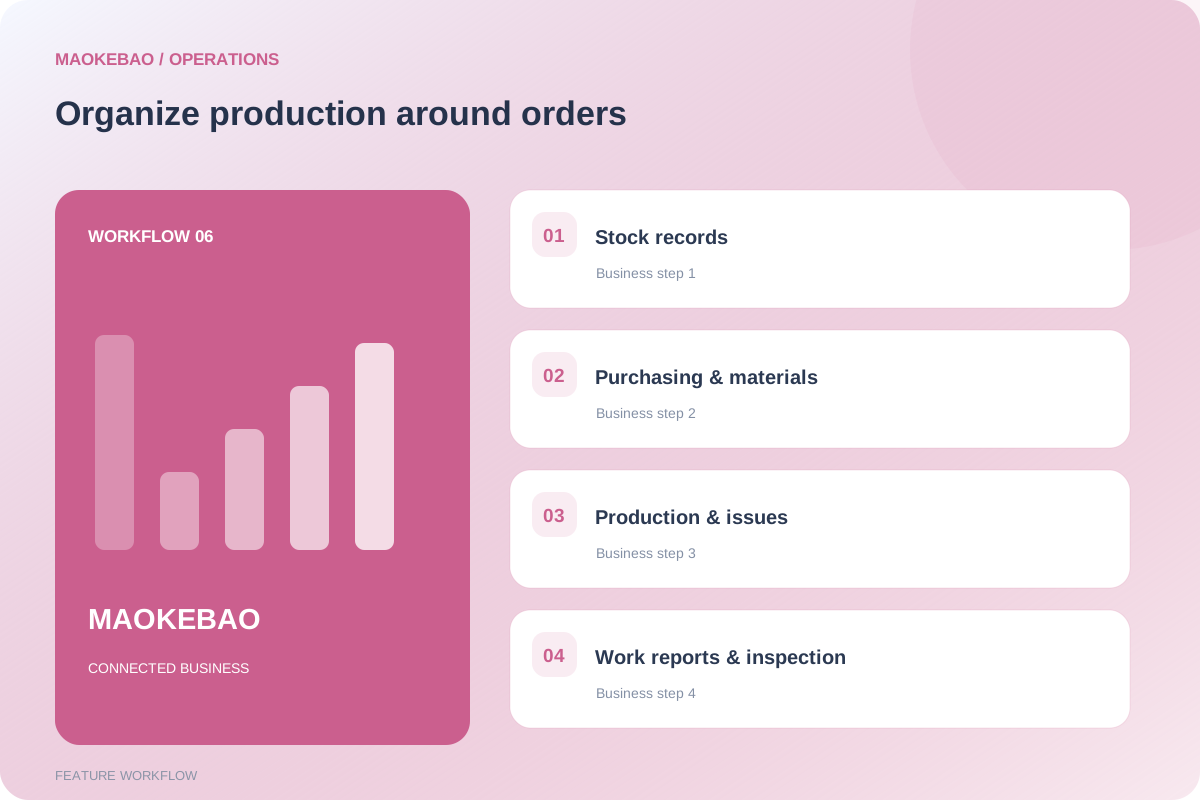
Stock records, purchasing and bills of materials provide entry points for inventory and production preparation.
Production plans, material issues, work reports and inspection records are organized around customers and sales orders.
Search, status filters and exports support daily work. Completion is confirmed through records; purchase receipts and material issues affect stock.
The screenshot shows an empty list and illustrates the interface structure. Live inventory and production integration was not tested.
Workspace: Delivery management and after-sales management.
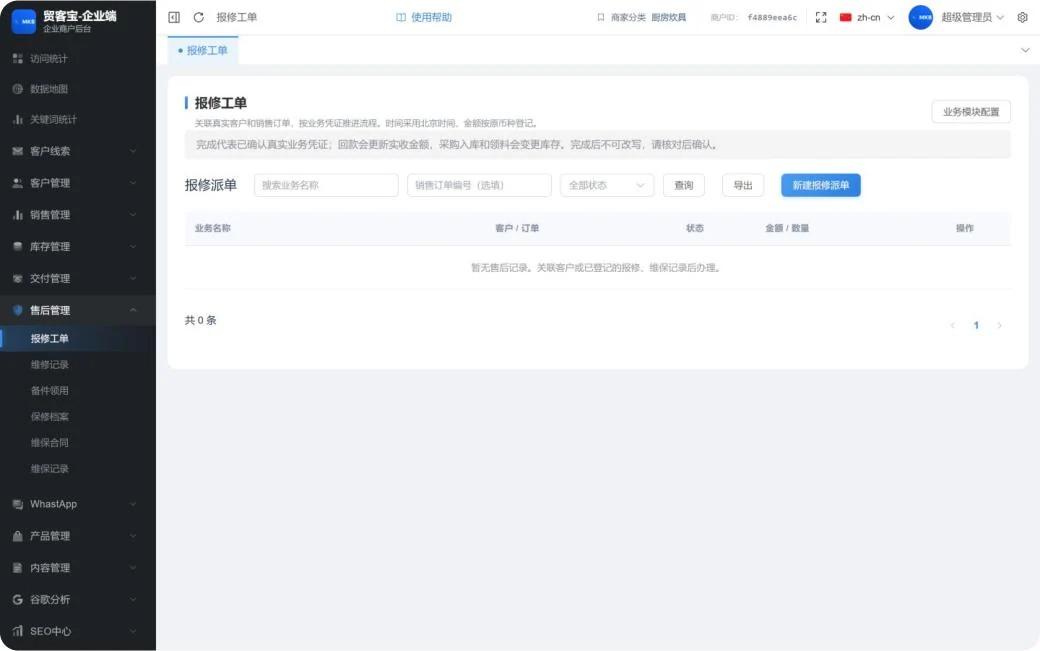
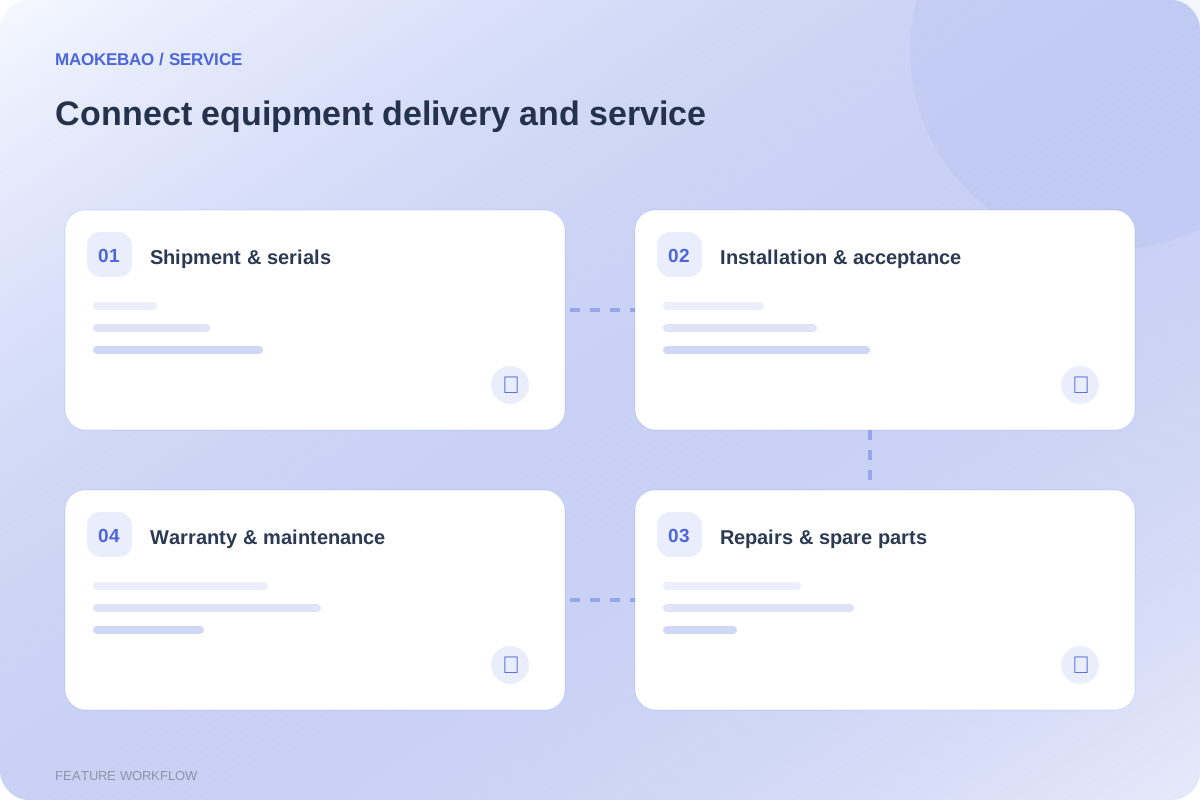
Shipment records, equipment serial files, installation records and delivery acceptance keep delivery documents accessible.
Repair tickets, repair records and spare-parts issues link to customers or existing business records so service status can be tracked.
Warranty files, maintenance contracts and service records support ongoing customer care.
Repair tickets are shown as an empty list. Automatic logistics tracking and remote equipment control are not confirmed capabilities.
Workspace: WhatsApp conversations, templates, connection settings, keyword replies and model configuration.
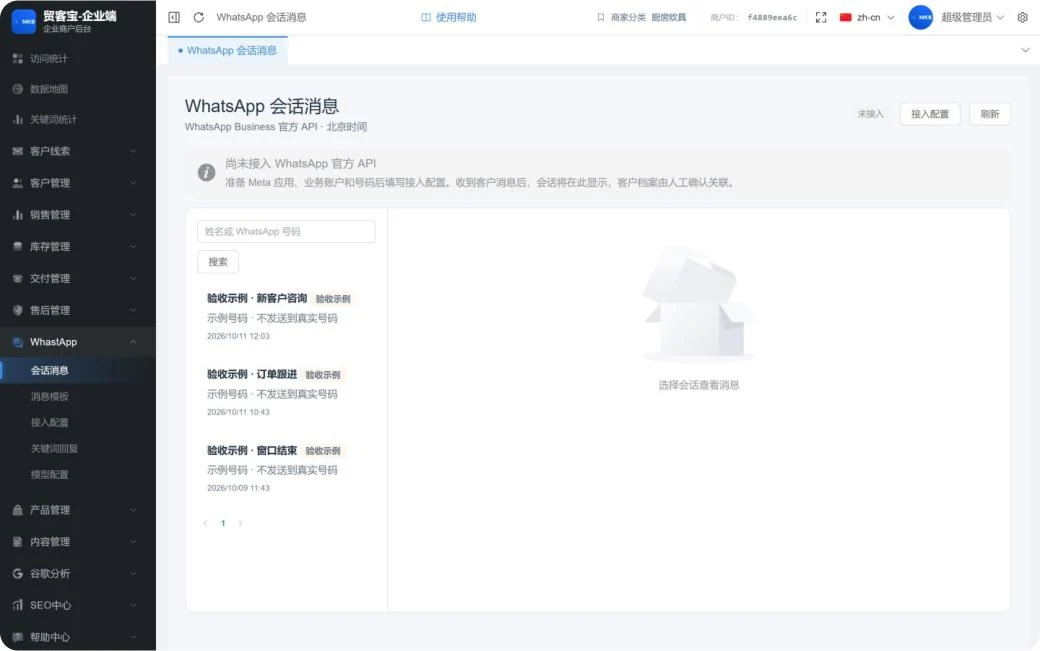
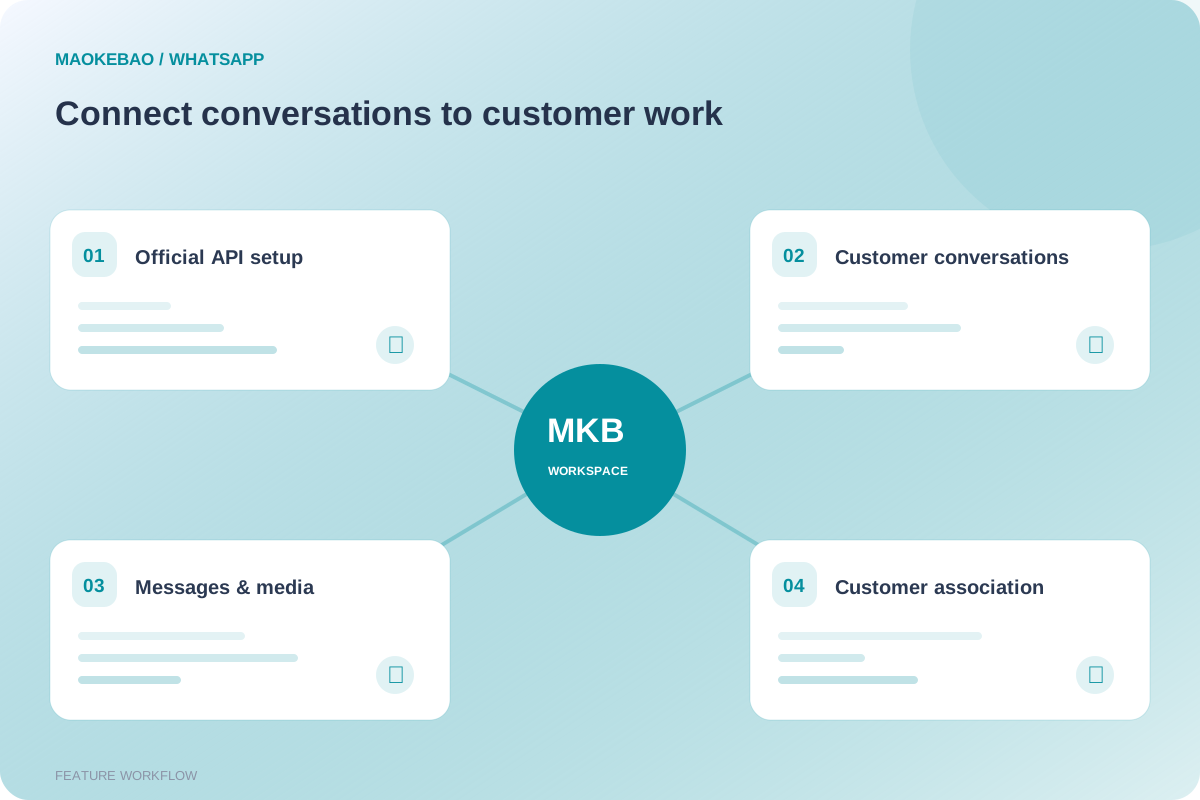
Search conversations and view messages. Customer-profile associations are confirmed manually.
Message templates, keyword replies and model settings support different communication scenarios.
Real communication requires a Meta application, business account and phone number, followed by official API configuration.
The current environment is not connected. Screenshots are acceptance-test examples; real messages and automatic replies were not tested.
Workspace: Product management, content management and media management.
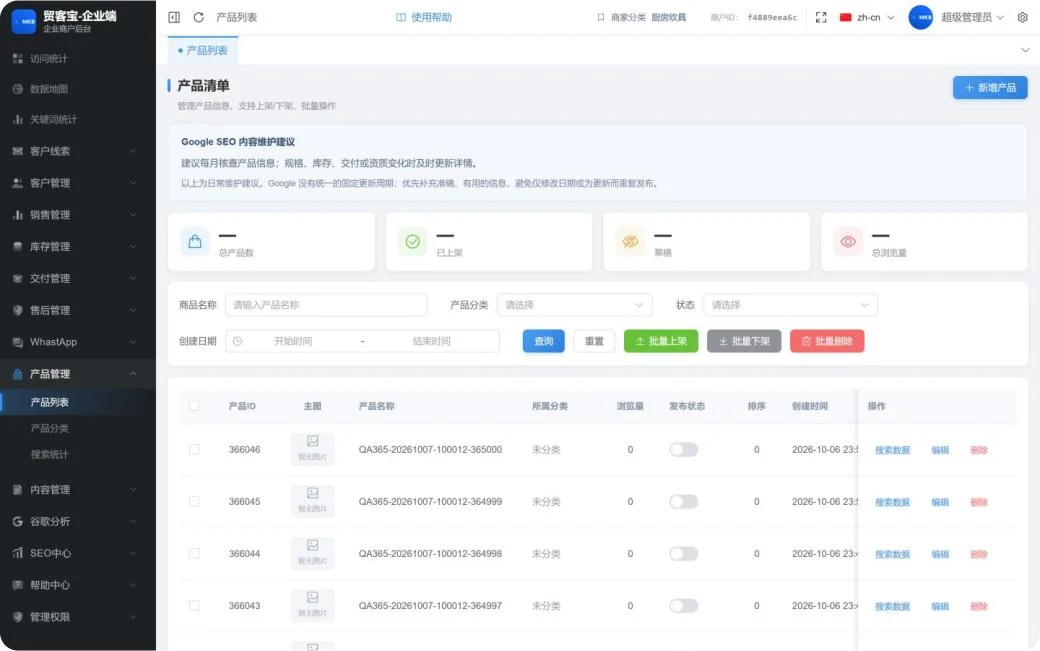
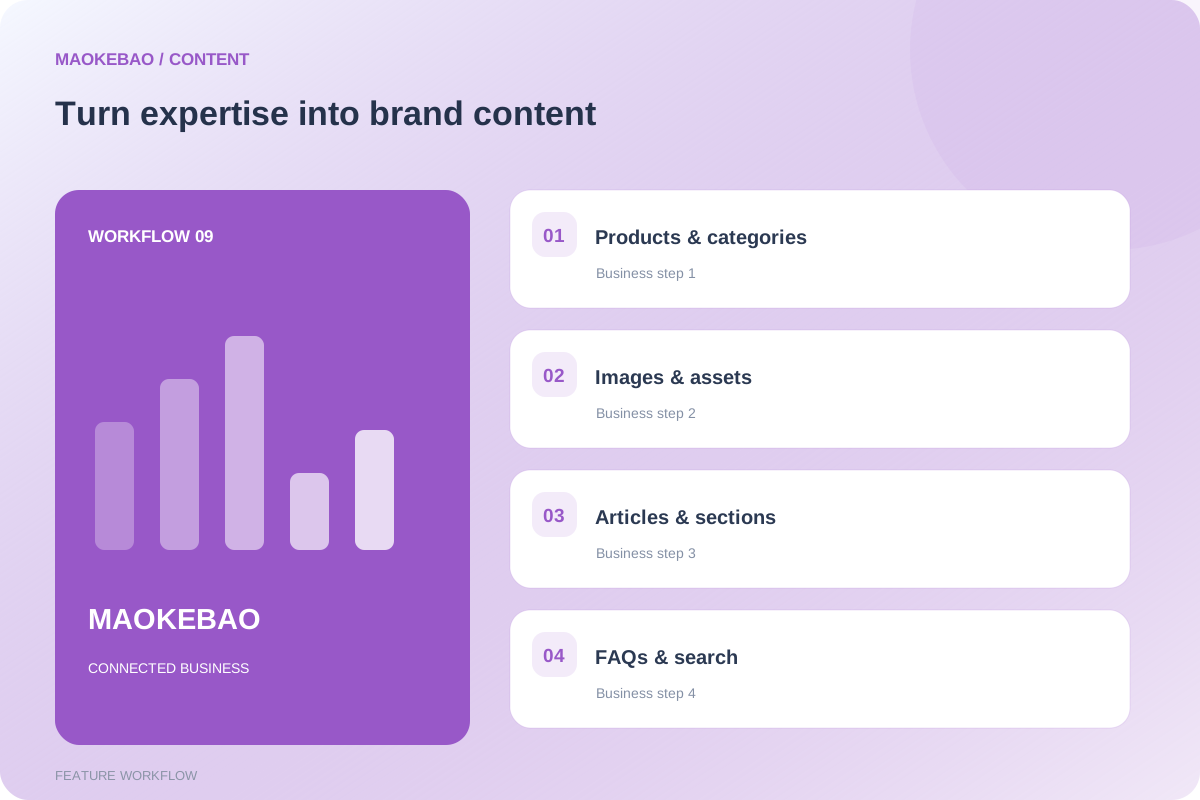
Product lists, categories and search statistics support product queries, publication status and bulk actions.
Article and question-and-answer tools help structure product knowledge and website content.
Update product information when specifications, delivery terms or qualifications change. Use the media library to organize website assets.
The screenshot retains actual test products. Test content is not presented as evidence of sales results.
Workspace: SEO center and Google analytics.
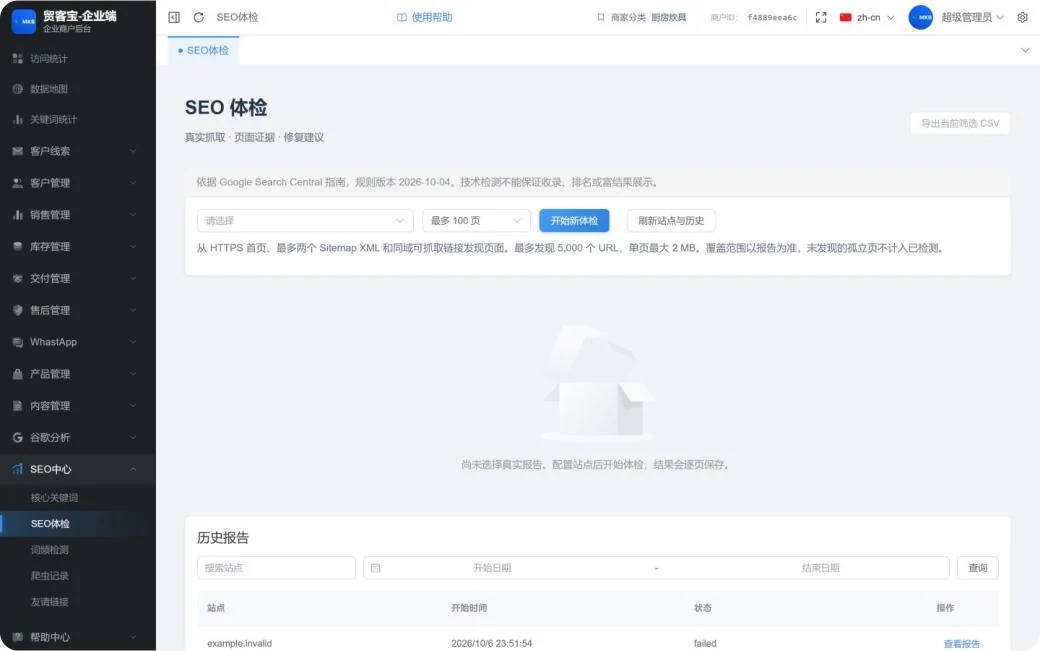
SEO checks provide site selection, scan limits, historical reports and export options.
Core keywords, word-frequency checks, crawler records and link tools support ongoing maintenance.
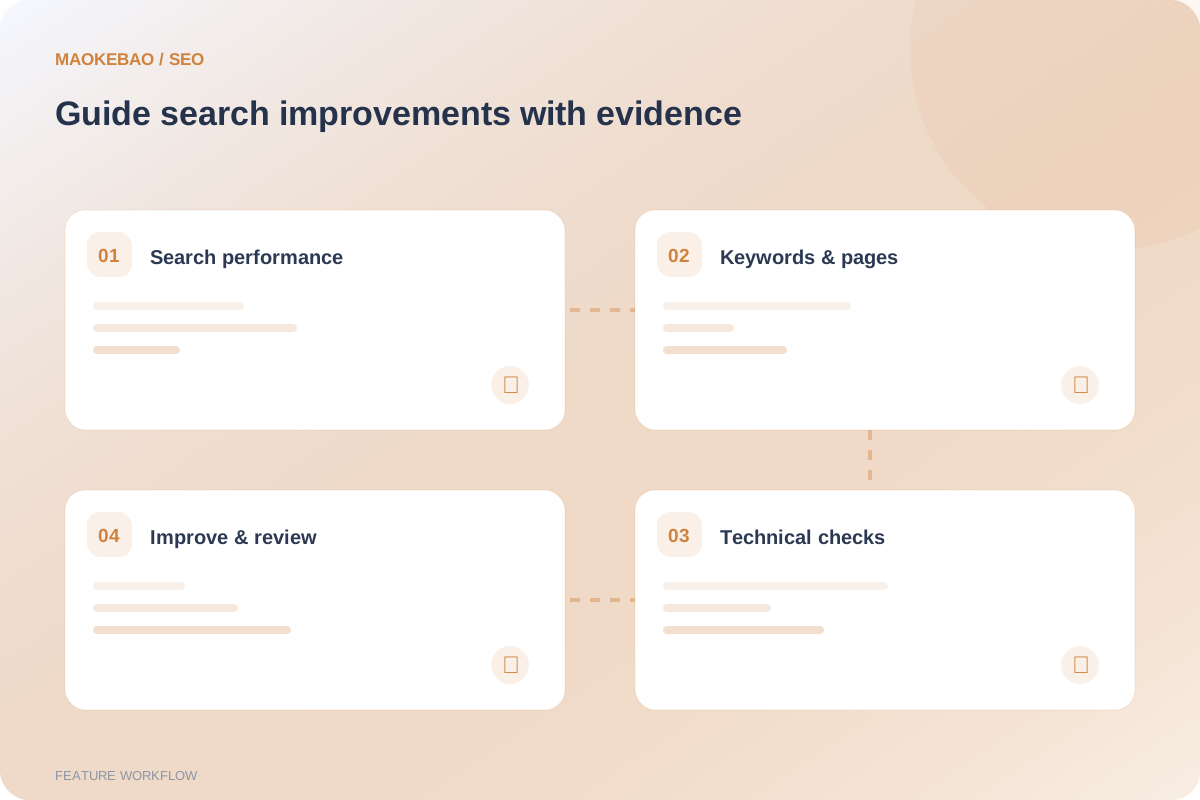
Google reports include an overview, keywords, page performance, geographic analysis and indexing diagnostics. Appropriate data connections are required.
A technical check covers only the scope reported. Technical checks and content updates do not guarantee Google indexing or rankings.
Workspace: Website settings → Site languages.
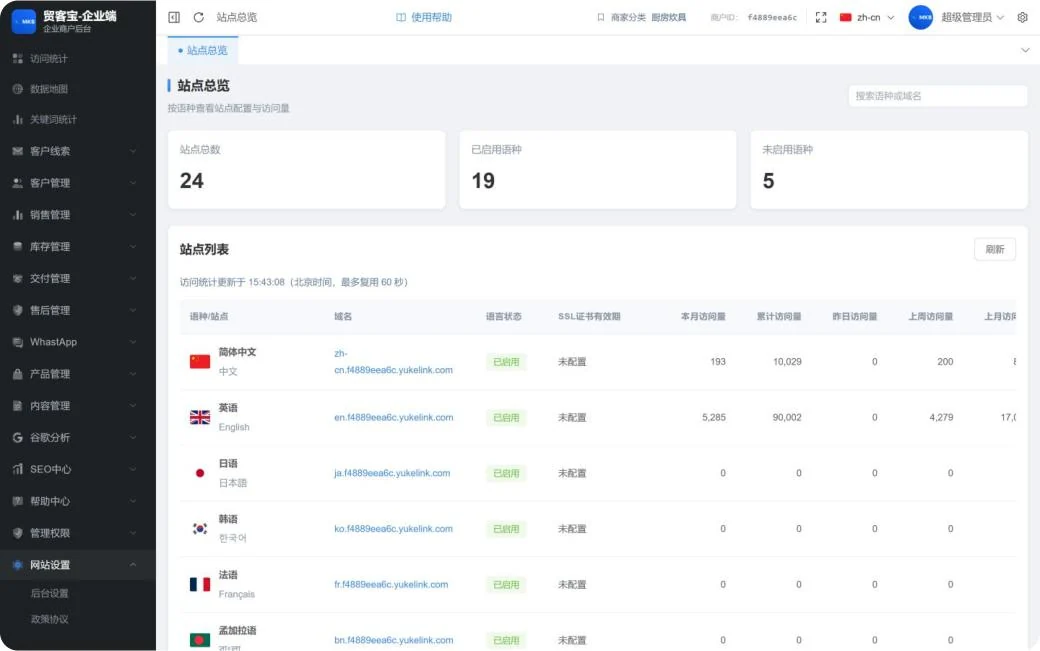
The site overview, domain settings and language list provide configuration tools for each language site.
See languages, domains, enabled status, SSL expiry and visits across different time periods.
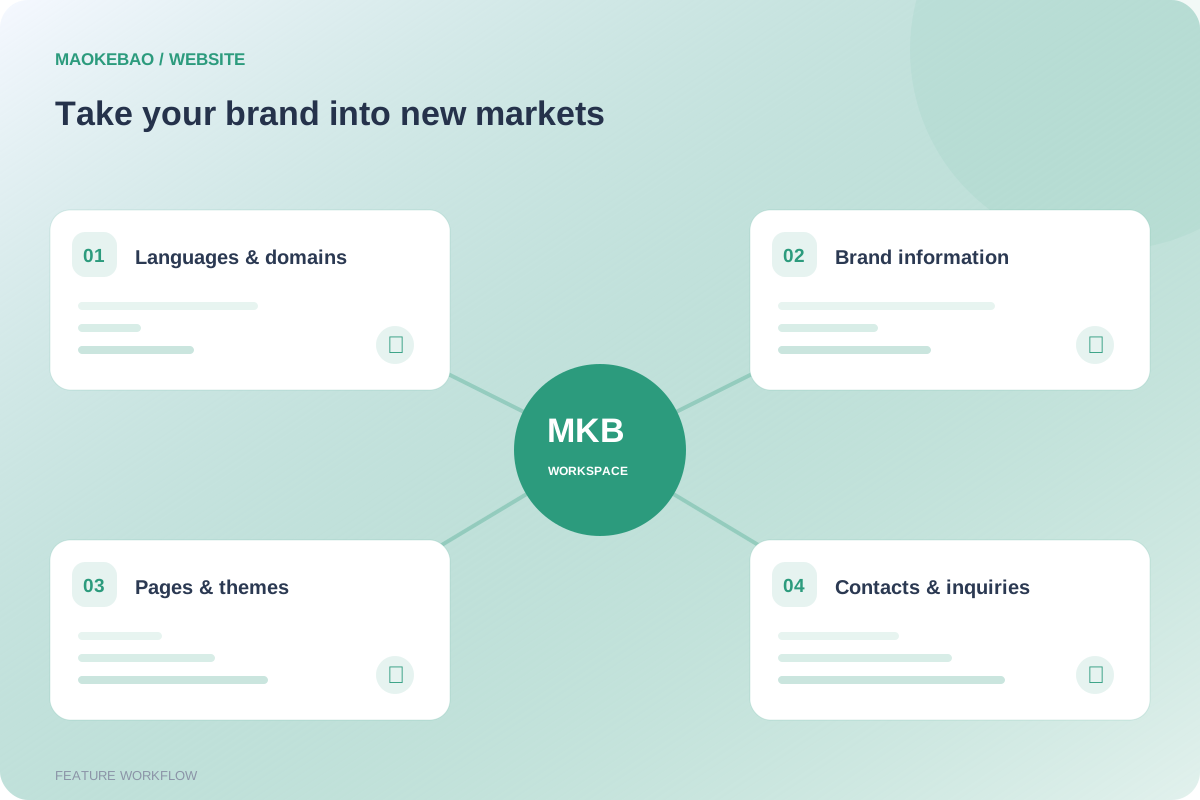
Administration settings, policies, information configuration and themes support routine website management.
The 24 sites in the screenshot reflect this environment's configuration. This is not a fixed site allowance for every plan.
Workspace: Administrative permissions, help center and business configuration.
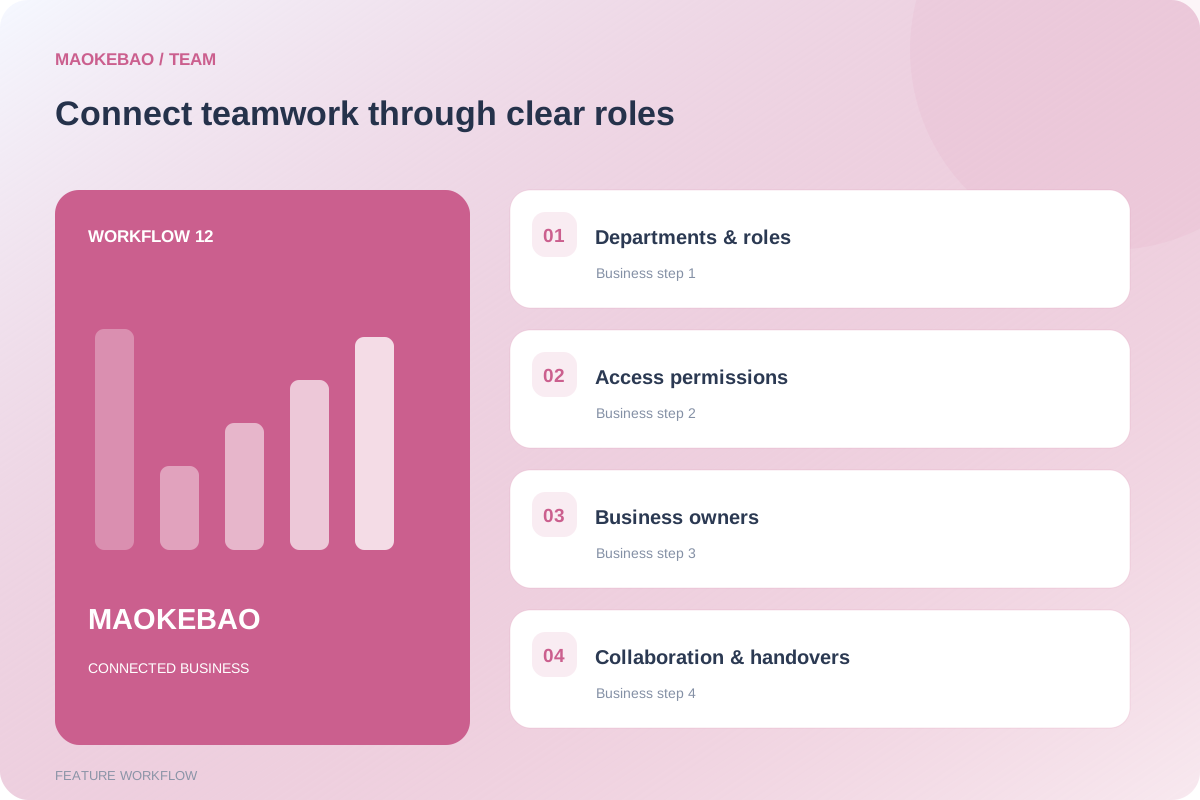
Manage departments, job roles, administrator roles and administrator accounts.
Organize customer, sales, inventory, delivery and after-sales work around your team. Permission granularity depends on actual configuration.
Customers and orders provide the connection between quotations, production records and after-sales documents, all registered and retrieved in one workspace.
Review visits, inquiries, customer overviews and sales performance.
Organize customers, follow opportunities, prepare quotations and manage samples.
Record purchasing, production, shipments, installation and acceptance.
Track repairs and maintenance, and maintain organization and system settings.
These are suggested responsibilities, not verified built-in role templates.
Organized from the observed menus to support demonstrations, training and procurement discussions.
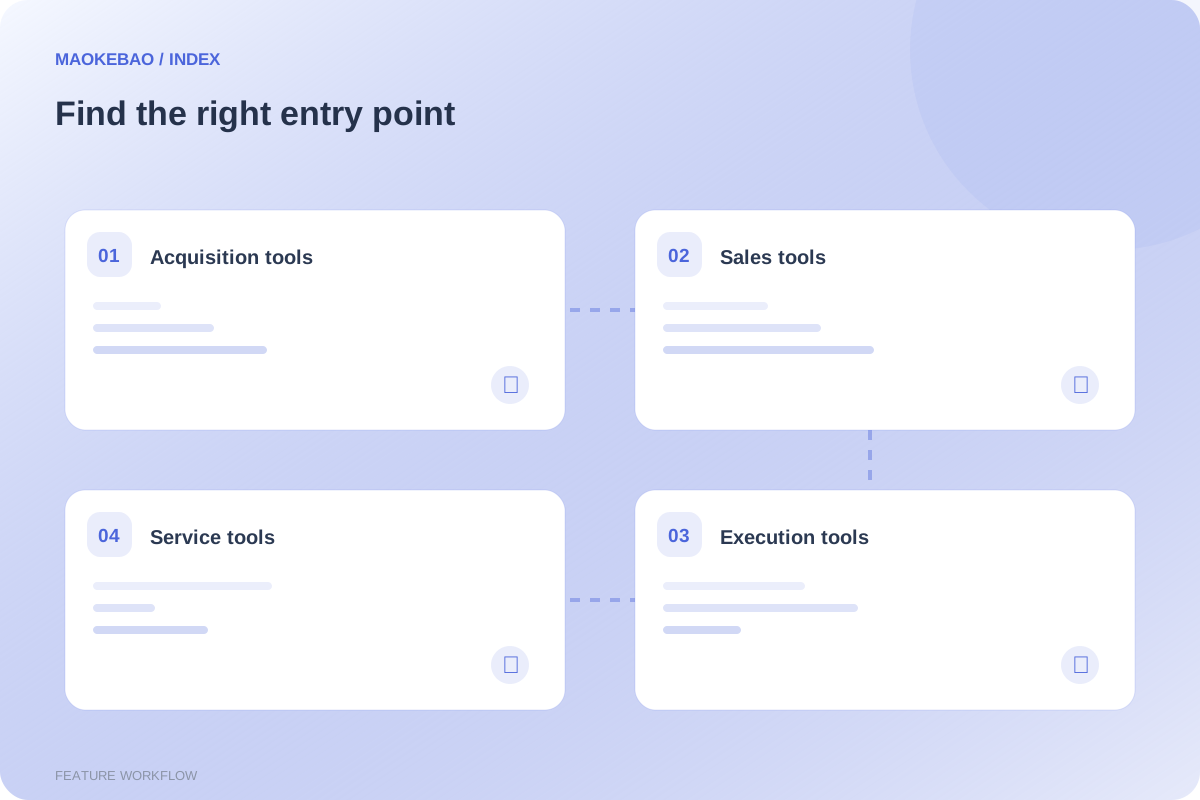
Visitor statistics, data maps, keyword statistics; inquiry records, spam blocking, inquiry notifications and contact forms.
Customer profiles, overview, contacts, opportunities, follow-ups, reminders and business settings.
Quotations, samples, contracts, sales orders, payments, commissions, repeat-purchase reminders, forecasts and sales analysis.
Stock records, purchasing, bills of materials, production plans, material issues, work reports and inspections.
Shipments, serial files, installation and acceptance; repairs, spare parts, warranties, maintenance contracts and records.
WhatsApp conversations, templates, connections, keyword replies and models; products, categories, search statistics, articles and FAQs.
Google reports, SEO center, site overview, domains, languages, themes, policies and information settings.
Administrator roles, departments, positions and accounts; help center, media, social-media statistics and system maintenance.
Only the top-level social-media statistics and system-maintenance entries were confirmed. Their platform, publishing and automation capabilities are not described here. Map-based prospecting is currently unavailable.
Establish core information first, connect third-party services, and keep building your business records.
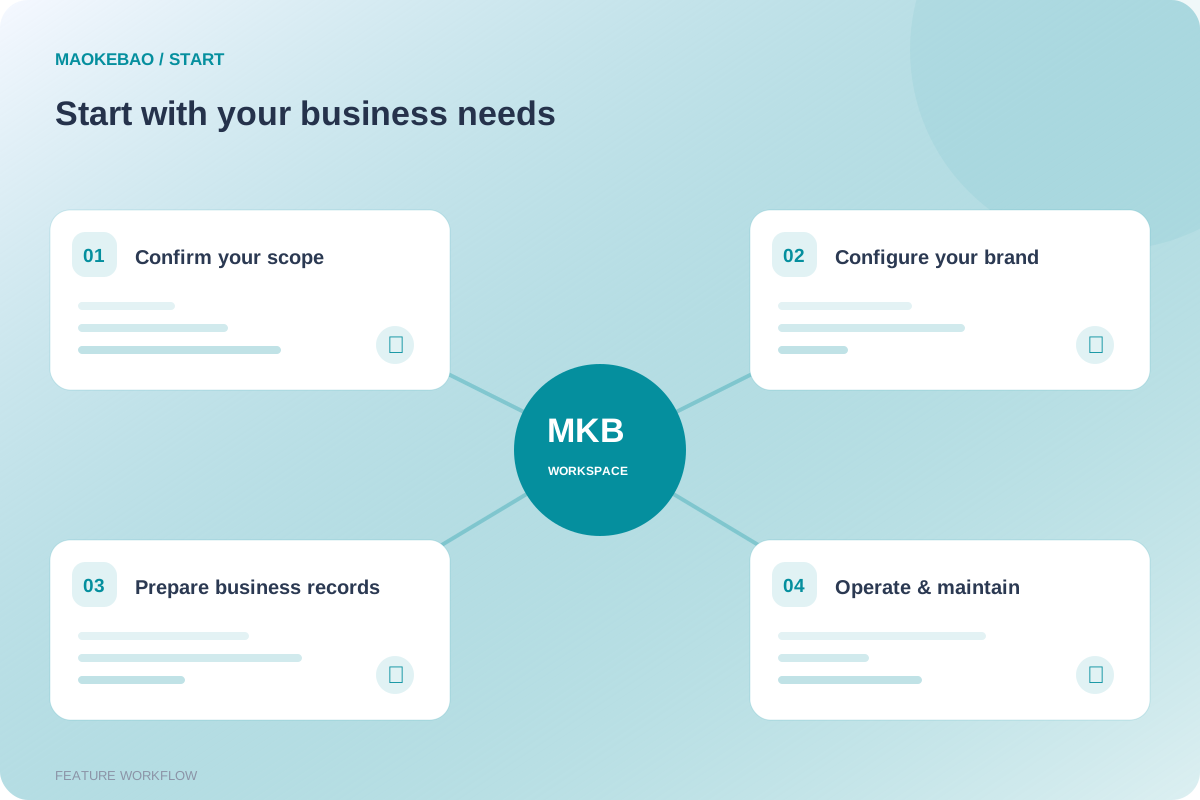
Choose domains, languages, product content, departments and roles. Configure administrator accounts and usable permissions.
Organize customers and contacts. Link inquiries, opportunities, quotations, orders and follow-ups to real business activity.
Use inventory, production, delivery and after-sales modules as needed. Establish supporting documents and routine record keeping.
WhatsApp requires official accounts and API access. Google reports require the relevant data connections.
Review visits, inquiries, follow-ups, quotations, sales and service records regularly.
Screenshots were captured on October 11, 2026 from the user-provided MAOKEBAO workspace. They retain QA test records, empty lists and disconnected states. Values do not represent business scale or system capacity.
A shipment-coordination example connects customers, orders, warehouse activity and delivery information.
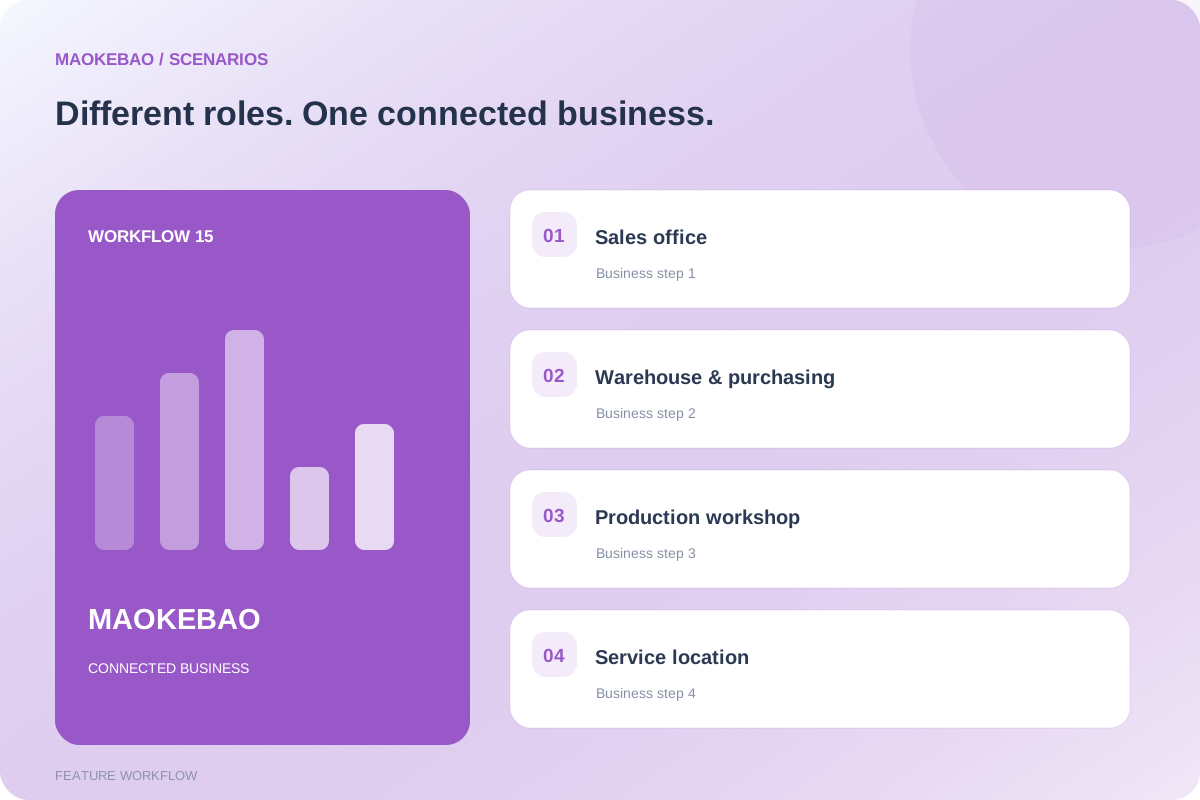
Organize daily sales work using inquiries, customers, opportunities, quotations and reminders.
Register materials, production, inspection and shipment documents around the order.
Link repairs, spare parts and maintenance documents to customers and orders.
Illustrative case: An exporter of commercial kitchen equipment receives an inquiry from an overseas buyer.
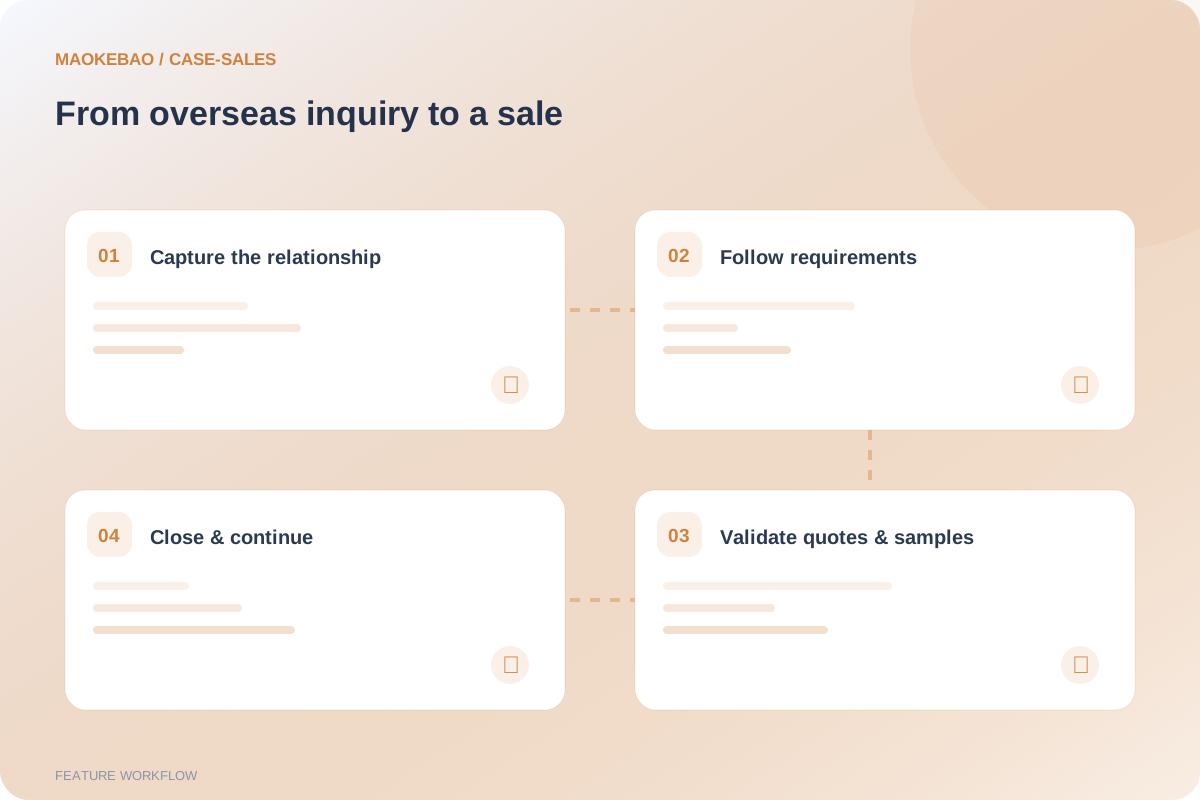
The buyer asks about specifications and lead times. Several conversations, samples and quotations may be needed. The manager needs to know the owner, next action and quotation expiry. Participants: sales representative, sales manager, sample and finance staff.
Review the inquiry, verify the company and contacts, create or associate a customer profile and assign ownership. Tools: inquiries, customer profiles and contacts.
Record requirements, sales stage and conversation results. Schedule the next contact and reminder. Tools: opportunities, follow-up records and reminders.
Prepare product details and trade terms, issue quotations, record sample feedback and monitor validity. Tools: quotations, samples and customer overview.
Register contracts, orders and payments. Arrange delivery and repeat-purchase contact as appropriate. Tools: contracts, sales orders, payment records and repeat-purchase reminders.
Keep a continuous trail from inquiry and contacts to opportunities, quotations and sales. Support handovers and management review instead of relying on individual memory.
This is a usage illustration. Payments are recorded manually. Real WhatsApp communication requires official API setup.
Illustrative case: A batch of kitchen equipment requires materials, production, installation and acceptance.
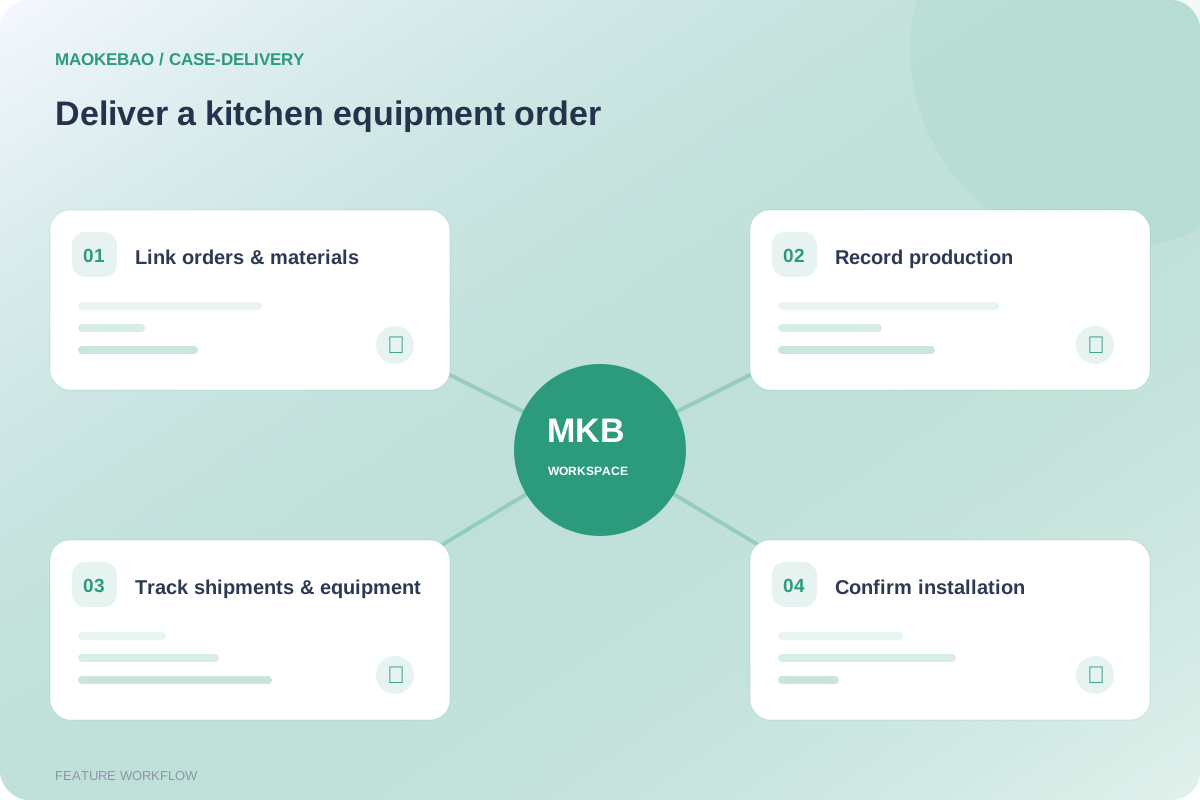
After sales confirms an order, production needs to identify its materials. Delivery staff need to retain shipment, equipment serial and on-site acceptance information. Participants: sales, purchasing, warehouse, production, inspection and delivery teams.
Use customers and sales orders as the business basis for bills of materials, purchasing and stock information. Tools: sales orders, bills of materials, purchasing and stock records.
Plan production and record material issues, work reports and inspection evidence. Tools: production plans, material issues, work reports and inspections.
Keep shipment information and equipment serial files so later service can be traced to equipment and orders. Tools: shipment records and serial files.
Record installation and delivery acceptance after on-site work is complete. Tools: installation records and delivery acceptance.
Keep sales commitments, production documents and delivery records in one business context to review progress, responsibilities and equipment history.
This explanation is based on current module entry points. Automatic scheduling, machine connectivity, logistics tracking and complete MES capabilities have not been verified.
Illustrative case: Delivered commercial kitchen equipment develops a fault and the customer requests repair.
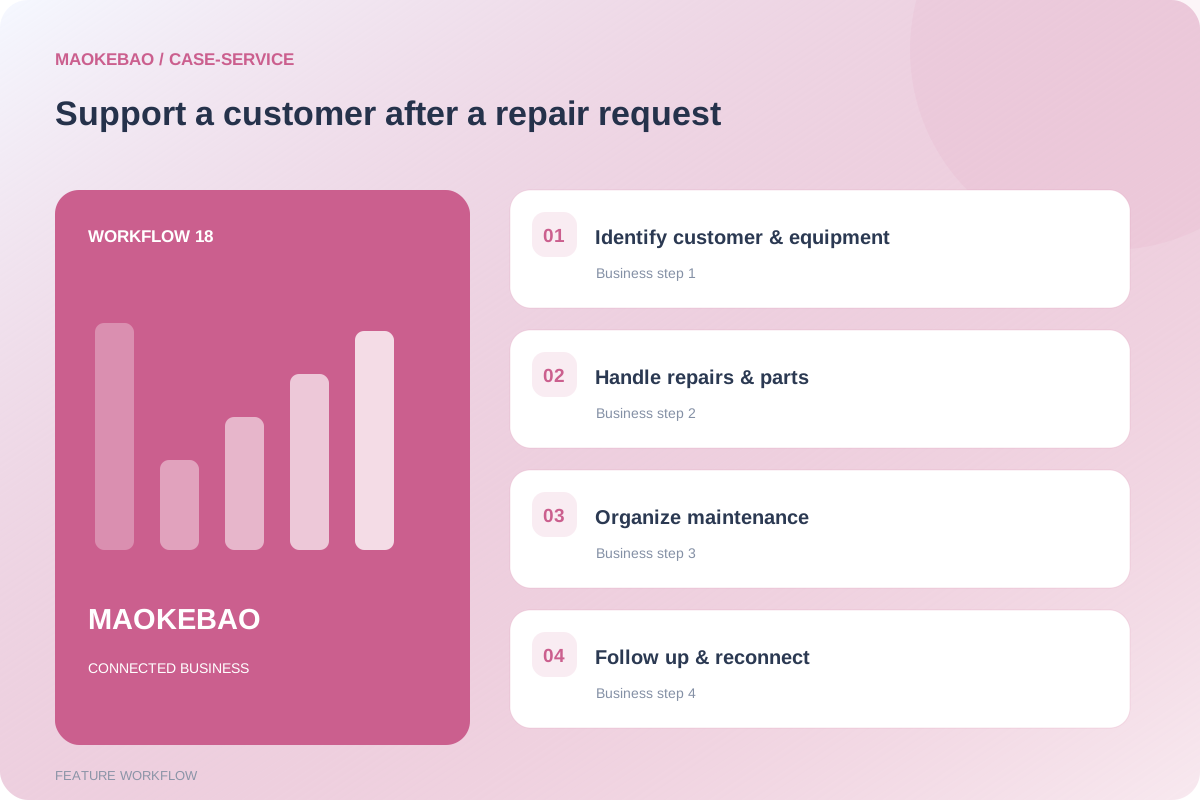
Service staff need customer, order and equipment information, a record of the fault and handling process, and details of warranty or maintenance arrangements. Participants: service coordinator, technicians, spare-parts staff and customer owner.
Check the customer, sales order, serial and warranty records, then register the repair request. Tools: customer profiles, serial files, warranties and repair tickets.
Process the ticket according to responsibilities and retain repair and spare-parts records. Tools: repair tickets, repair records and spare-parts issues.
Associate maintenance work with contracts and service records so the service history can be retrieved. Tools: maintenance contracts and records.
Record follow-up feedback and new requirements. Create opportunities or repeat-purchase contact where appropriate. Tools: follow-ups, reminders, opportunities and repeat-purchase reminders.
Keep service information beyond phone calls and chats so different staff can take over, maintain ongoing service and develop the customer relationship.
Automatic warranty decisions, dispatching and remote diagnosis are not promised. Handling rules depend on company configuration and actual capabilities.